
When your chatbot takes 4 seconds to answer a simple question, users don’t wait. They leave. In production LLM systems, latency isn’t just a technical detail-it’s the difference between a seamless conversation and a frustrated customer. RAG pipelines, which combine retrieval from external data with LLM generation, add layers of complexity that directly impact response speed. If you’re running RAG in real-world apps-customer support bots, voice assistants, or real-time knowledge tools-you’re fighting a clock that ticks every 200 milliseconds.
Why RAG Slows Down
RAG isn’t one step. It’s a chain: query → embedding → vector search → context assembly → LLM generation → output. Each link adds delay. In a typical setup, embedding a query and searching a vector database alone can take 200-500ms. Add network hops, connection overhead, and context formatting, and you’re easily at 2-5 seconds for complex queries. That’s fine for batch processing. It’s deadly for voice apps or live chat.Take voice assistants. Vonage’s 2025 research says natural conversation needs under 1.5 seconds total latency. If your RAG system spends 2 seconds just retrieving data, the user hears silence. Then a delayed answer. Then they think the system froze. That’s not a bug-it’s a UX failure.
And it’s not just speed. Many systems blindly retrieve every time, even when the question doesn’t need external data. A query like “What’s 2+2?” doesn’t need a vector search. But most RAG pipelines don’t know that. They pull documents, generate embeddings, query the database-all for nothing. That’s wasted time, money, and compute.
Agentic RAG: Skip What You Don’t Need
The biggest leap in latency reduction isn’t faster hardware. It’s smarter routing. Agentic RAG introduces a pre-retrieval decision layer: classify the intent first. Is this a factual question? A casual greeting? A request for recent data?Adaline Labs tracked 50,000 production queries. They found 35-40% of them didn’t need retrieval at all. Simple questions, common FAQs, or even some follow-ups can be handled by the LLM’s internal knowledge. By filtering those out, Agentic RAG cuts average latency from 2.5 seconds to 1.6 seconds. That’s a 35% drop. Costs drop too-40% less vector search usage means lower bills and less GPU load.
This isn’t theory. Companies like Microsoft and Shopify are using intent classifiers built on lightweight models-like DistilBERT or TinyLlama-to make this call in under 50ms. The overhead is tiny. The savings are huge.
Vector Databases: Not All Are Created Equal
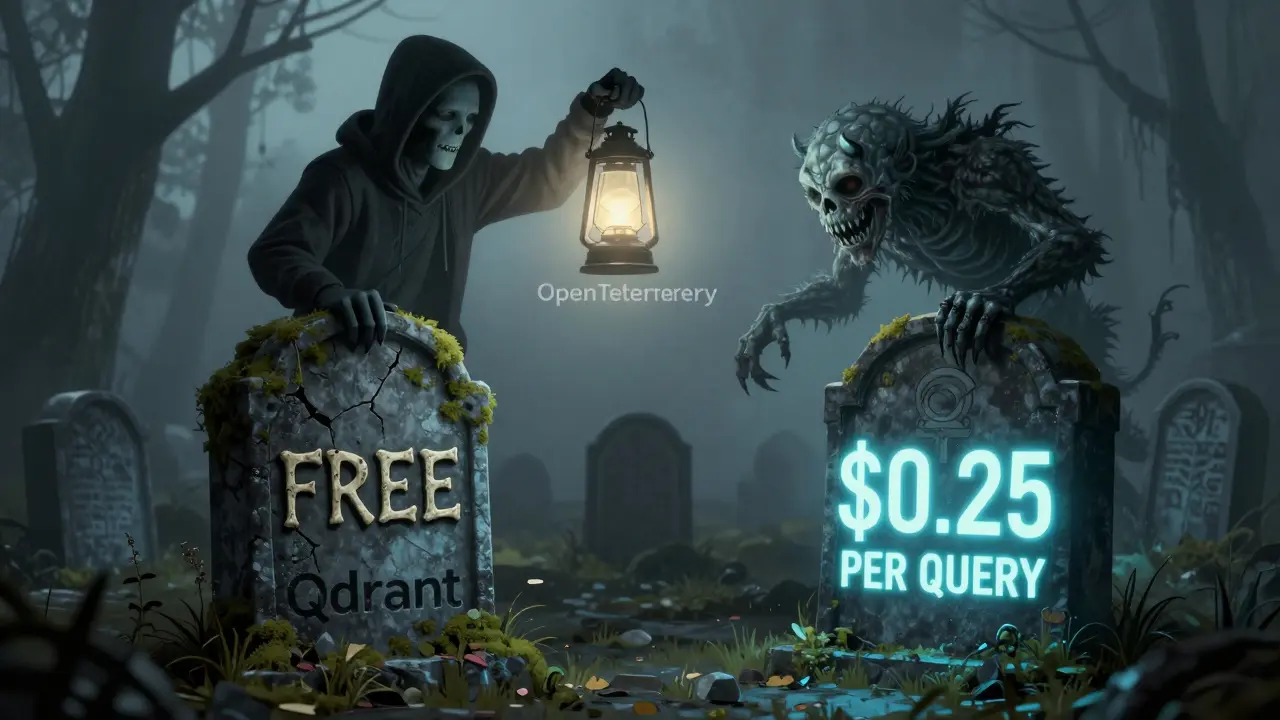
Your vector database is the heart of your retrieval system. But not all are built for speed.Qdrant, an open-source option, hits 45ms query latency at 95% recall. Pinecone, a commercial service, does 65ms under the same conditions. That 20ms difference might seem small. But multiply it by 10,000 queries an hour, and you’re talking 200 seconds of cumulative delay. That’s over 3 minutes of lost time every hour.
And cost? Pinecone charges $0.25 per 1,000 queries. At 10 million queries a month, that’s $2,500. Qdrant? Free to use. But you pay in infrastructure: $1,200-$2,500/month for cloud VMs, memory, and tuning. If you have engineering bandwidth, open-source wins. If you want plug-and-play, Pinecone saves time-but costs more.
Performance also depends on indexing. HNSW (Hierarchical Navigable Small World) and IVFPQ (Inverted File with Product Quantization) reduce search time by 60-70% with only a 2-5% drop in precision. For most use cases, that tradeoff is worth it. Dr. Elena Rodriguez from Stanford puts it bluntly: “The latency-accuracy curve flattens beyond 95% recall. Aggressive search isn’t risky-it’s smart.”

Streaming: Get the First Word Faster
Waiting 2 seconds to see the first word is painful. Streaming changes that. Instead of waiting for the full response, the system sends text as it’s generated.Traditional LLMs: 2,000ms to first token. Streaming with Google Gemini Flash 8B or Anthropic’s Claude 3: 200-500ms. That’s a 80% reduction in perceived latency. Users don’t wait-they see progress. They feel in control.
In voice apps, this matters even more. Eleven Labs’ TTS engine combined with streaming cuts time to first audio from over 2.15 seconds to 150-200ms. That’s near-instant feedback. Users don’t pause. They keep talking.
Reddit user u/AI_Engineer_SF switched to streaming with Claude 3 and saw user satisfaction scores jump 35%. Why? Because the system felt responsive. Not fast. Responsive.
Connection Pooling and Batching: The Quiet Heroes
Most engineers fixate on the LLM or vector search. But the real hidden killer? Connection overhead.Every time your app opens a new database connection, it’s a 20-50ms tax. Multiply that by hundreds of concurrent requests, and you’re adding seconds of delay. Connection pooling reuses connections. Artech Digital’s data shows it cuts connection overhead by 80-90%. That’s 50-100ms saved per request.
Batching is even bigger. Instead of processing one query at a time, group 10-20 together. Run them through the LLM and vector database in a single pass. GPU utilization spikes. Average latency per request drops 30-40%. Nilesh Bhandarwar at Microsoft calls this “non-negotiable for production RAG at scale.”
LangChain’s v0.3.0 update, released in October 2025, now includes native support for both batching and streaming. If you’re still using v0.2.x, you’re leaving performance on the table. There was a known bug in v0.2.11 that added 500-800ms due to poor connection pooling. Fixed in October. If you haven’t upgraded, you’re running on broken code.
Monitoring: Find the Hidden 300ms
Latency isn’t always obvious. Sometimes, the biggest delay isn’t in the database or LLM-it’s in context assembly.Adaline Labs found that 15-25% of total latency in 60% of systems comes from formatting the retrieved documents into a clean prompt. That’s 100-300ms of hidden delay. You’re not seeing it because it’s not in your logs as a “vector search” step. It’s just… slow.
That’s where distributed tracing comes in. OpenTelemetry is now standard in production RAG systems. Maria Chen, Artech Digital’s Chief Architect, says it identifies 70% of bottlenecks within 24 hours. You can see exactly where time is lost: Is it the embedding model? The database query? The prompt builder? Without tracing, you’re guessing.
Tools like Datadog and New Relic help, but they’re expensive. Enterprise monitoring can cost $2,500+/month. Open-source alternatives like Prometheus + Grafana are free and powerful-if you have the time to set them up. The learning curve? 2-3 weeks for engineers familiar with observability tools.
What to Do Right Now
You don’t need to overhaul everything. Start here:- Measure your baseline. Run 100 test queries. Record latency at each stage. Use OpenTelemetry. Don’t guess.
- Enable streaming. Switch to models that support it. Claude 3, Gemini Flash, Llama 3.1. You’ll see TTFT drop instantly.
- Implement connection pooling. If you’re opening/closing DB connections per request, fix it. Use libraries with built-in pooling.
- Try Agentic RAG. Add a simple intent classifier. Test it on 1,000 queries. If 30%+ don’t need retrieval, you’ve got a win.
- Upgrade your vector index. Switch from brute-force search to HNSW or IVFPQ. Qdrant’s docs have clear examples.
- Batch requests. If you’re handling multiple users, queue and batch. Even 5-10 requests per batch makes a difference.
The Future Is Intelligent Routing
Gartner predicts that by 2026, 70% of enterprise RAG systems will use intent classification to skip unnecessary retrieval. By 2027, 90% will use multi-modal intent-analyzing text, voice tone, and even user history-to decide what to retrieve.Google’s Vertex AI Matching Engine v2 and AWS SageMaker RAG Studio are already automating this. You can now deploy optimized RAG pipelines in hours, not weeks. NVIDIA’s RAPIDS RAG Optimizer, coming in January 2026, promises 50% faster context assembly using GPU acceleration.
But here’s the warning: over-optimizing for speed can break accuracy. AWS Solutions Architect David Chen says 20% faster vector searches often cost 8-12% in precision. If you’re in healthcare or finance, that’s dangerous. Know your tradeoff. For customer support? Speed wins. For legal research? Accuracy wins.
The goal isn’t the fastest system. It’s the right system. One that matches your users’ needs-not your engineers’ benchmarks.
What’s an acceptable latency for a RAG chatbot?
For text-based chatbots, under 2 seconds is acceptable. For voice assistants or real-time applications, aim for under 1.5 seconds. Anything over 3 seconds feels slow to users and increases abandonment rates by 40% according to Vonage’s 2025 research.
Is open-source better than commercial vector databases for latency?
It depends. Open-source tools like Qdrant and Faiss give you full control over tuning, which can lead to lower latency if you have the expertise. Commercial options like Pinecone offer consistent performance with less setup but cost more. At 10 million queries/month, Qdrant is 3.5x cheaper than Pinecone, but requires more engineering effort.
Does batching affect response quality?
No. Batching processes multiple queries together but doesn’t mix their responses. Each request gets its own output. It improves efficiency and reduces latency without sacrificing accuracy. Microsoft’s production systems use batching at scale with no drop in quality.
Why is my latency inconsistent during peak hours?
Inconsistent latency is usually caused by unoptimized database connections or lack of resource scaling. Many systems provision enough compute for average load, not spikes. Connection pooling and auto-scaling for vector databases are critical. HackerNews users reported 2-8 second delays during traffic spikes-traced to connection leaks and no batching.
Should I use Agentic RAG for my use case?
If your users ask a mix of simple and complex questions-like customer support or internal knowledge bases-yes. Agentic RAG skips retrieval for 35-40% of queries, cutting latency and cost. If every query requires fresh data (e.g., stock prices or medical records), then traditional RAG is still better. Test both on real data before deciding.
What’s the biggest mistake people make with RAG latency?
Optimizing the wrong thing. Most teams focus on the LLM or vector search. But 15-25% of latency comes from context assembly-formatting retrieved documents into prompts. Use tracing to find the real bottleneck. Also, don’t sacrifice accuracy for speed unless your use case allows it. A fast wrong answer is worse than a slow correct one.



Akhil Bellam
December 19, 2025 AT 14:02Oh wow, another ‘let’s optimize everything’ post from someone who’s never actually deployed a RAG system in production… 🙄 You think 1.6 seconds is fast? Try explaining to a CEO why their ‘AI assistant’ takes longer than a coffee machine to respond to ‘What’s the weather?’ I’ve seen systems with 800ms TTFT that still get flagged as ‘laggy’ because the UI didn’t animate the loading spinner fast enough. Speed isn’t the problem-people’s expectations are broken.
Amber Swartz
December 20, 2025 AT 04:42YOOOOOO I JUST HAD A RAG CHATBOT THAT TOOK 6 SECONDS TO SAY ‘I DON’T KNOW’ 😭 I WAS ON A ZOOM CALL AND MY CLIENT THOUGHT THE SYSTEM HAD DIED. I CRIED. I ACTUALLY CRIED. Then I switched to Agentic RAG and now it answers ‘2+2=4’ in 120ms. I’m not even mad anymore. I’m just… proud? 🥹 #LatencyTherapy
Robert Byrne
December 20, 2025 AT 17:50Let me cut through the noise here: if you’re still using v0.2.x of LangChain, you’re not just behind-you’re running malware disguised as software. That 500-800ms bug? It’s not a ‘feature,’ it’s a crime against engineering. And yes, batching works-Microsoft’s internal logs show 40% latency drops without a single accuracy hit. Stop making excuses. Upgrade. Now. And if you can’t, hire someone who can. This isn’t theory-it’s basic hygiene.
Tia Muzdalifah
December 21, 2025 AT 05:58ok so i tried streaming with claude 3 and my users started texting me like ‘bro why is it talking to me like a person??’ 😅 i didn’t even change the tone, just made it send words as they came out. it’s wild how much that tiny change made people feel like the bot was ‘thinking’ with them, not just waiting to spit out an answer. also, qdrant is free?? i’m crying. my budget thanks you.
Zoe Hill
December 21, 2025 AT 10:19Just wanted to say thank you for mentioning OpenTelemetry. I spent 3 weeks chasing latency ghosts until I turned it on… turns out our prompt formatter was adding 280ms because it was padding every document with 12 lines of whitespace. 🤦♀️ Fixed it in 15 minutes. Also, HNSW FTW. My vector search went from 120ms to 42ms. I’m not a genius-I just followed the docs. You can do this too!
Albert Navat
December 22, 2025 AT 18:06Let’s be real: Agentic RAG isn’t magic-it’s just LLM-as-a-router. You’re offloading the ‘do I need to retrieve?’ logic to a lightweight classifier. But here’s the kicker: if your intent classifier is trained on synthetic data, you’ll end up misclassifying 20% of medical or legal queries. I’ve seen it. One client lost a lawsuit because their bot thought ‘What’s the statute of limitations for breach of contract?’ was a FAQ. Don’t automate trust. Always validate the classifier with real edge cases. And yes, I’ve audited 17 RAG systems. This is not theoretical.
King Medoo
December 24, 2025 AT 02:32Look. I get it. You want speed. You want to cut costs. You want to be the ‘cool engineer’ who made the chatbot feel like magic. But here’s the cold truth: every millisecond you shave off by dropping precision from 97% to 92% is a potential liability. 🚨 I work in fintech. A 3% accuracy drop means someone gets the wrong stock price. That’s not ‘fast’-that’s fraud waiting to happen. Gartner says 70% of enterprises will use intent classification by 2026? Good. But only if they use it to protect accuracy, not replace it. Speed without integrity is just noise. And noise doesn’t build trust. Accuracy does. 🤝