Ever typed a question into an AI chatbot and got back a wall of text when you just wanted a quick answer? Or worse - got the same sentence repeated five times? That’s not a bug. That’s a decoding parameter problem.
Large Language Models don’t think like humans. They predict the next word based on probability. Left unchecked, they’ll keep going until they hit a hard limit - sometimes rambling, sometimes looping, sometimes cutting off mid-sentence. The trick isn’t just asking better questions. It’s telling the model how to answer. That’s where decoding parameters come in.
Max Tokens: The Simplest Lever
The most basic control you have is max tokens. This sets the upper limit on how long the response can be. Tokens aren’t words. They’re chunks - sometimes a whole word like "apple," sometimes just "un" from "unhappy," or even a single punctuation mark.
Set it too low? You get cut-off answers. "The capital of France is Par" - that’s not helpful. Set it too high? You get essays when you asked for a bullet point.
For product descriptions, aim for 150-200 tokens. For customer service replies, 50-100 is usually enough. For summarizing a 10-page report? Go up to 500. But don’t just crank up the number and hope for the best. Pair max tokens with clear instructions: "Summarize in under 100 tokens" works better than just setting a limit.
Temperature: Controlling Creativity
Temperature is the dial for randomness. Think of it like a thermostat for imagination.
At 0.1, the model picks the single most likely next token every time. It’s predictable. Reliable. Perfect for legal summaries, medical advice, or code generation. You want accuracy, not surprises.
At 0.8, it starts exploring. It might pick the 3rd or 4th most likely option. This is where you get natural-sounding, slightly varied responses - great for marketing copy or casual chat.
At 1.2 or higher? You’re flirting with nonsense. The model might invent facts, mix metaphors, or write poetry that makes no sense. Useful for brainstorming, but dangerous if you need facts.
Start here: Use 0.2 for factual tasks. Use 0.7 for creative ones. Never go above 1.0 unless you’re writing fiction and don’t mind the chaos.
Top-K and Top-P: Smart Filtering
Temperature alone isn’t enough. That’s where Top-K and Top-P come in.
Top-K limits the model to choosing from only the K most probable next tokens. If K=1, it’s pure greedy decoding - always picks the #1 choice. If K=50, it has more freedom. IAPEP recommends starting with K=30 for balanced results.
Top-P (nucleus sampling) is smarter. Instead of picking the top K tokens, it picks the smallest set of tokens whose probabilities add up to P. So if P=0.95, it picks the smallest group of tokens that cover 95% of the probability mass. This adapts dynamically - sometimes it’s 10 tokens, sometimes 50.
For factual output: Top-P=0.9, Top-K=20. For creative: Top-P=0.99, Top-K=40. These settings let the model stay grounded but not robotic.
Using both together? That’s where the magic happens. High temperature + high Top-P = wild creativity. Low temperature + low Top-K = robotic precision.
Repetition: Why Your AI Keeps Saying the Same Thing
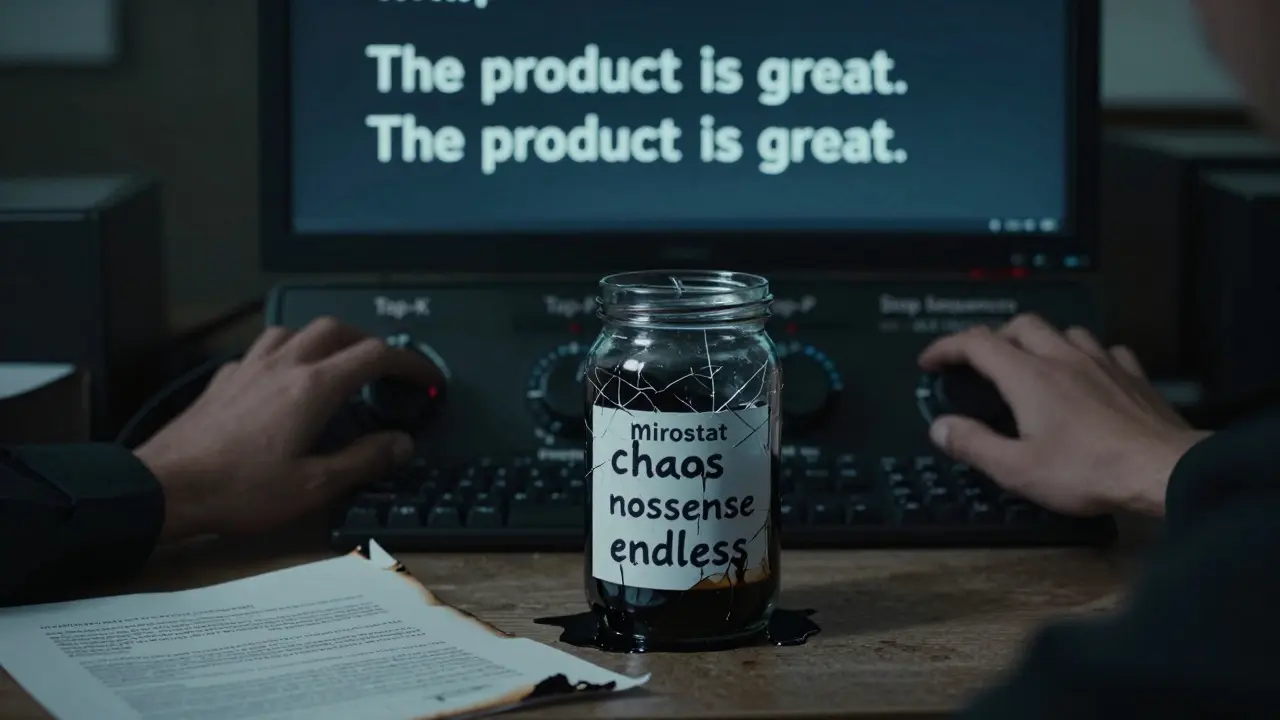
Ever seen an AI write: "The product is great. The product is great. The product is great."? That’s not creativity. That’s a loop.
Beam search, a common decoding method, often causes this. It favors sequences that feel "likely" - even if they repeat. Temperature alone won’t fix it. You need penalties.
Repeat_penalty reduces the chance of any token appearing again. Repeat_last_n checks the last 50-200 tokens and punishes repeats within that window. Presence_penalty encourages new words. Frequency_penalty dings words that show up too often.
For product descriptions, set repeat_penalty to 1.1-1.3 and repeat_last_n to 100. This stops the model from recycling phrases like "high-quality," "premium," or "cutting-edge" over and over.
Stop Sequences: When to Hit the Brake
What if you want the model to stop when it hits a certain phrase? Like "Thank you for your time" or "End of summary"?
Stop_sequences lets you define those triggers. You can set it to halt generation when it generates "\n\n" (two line breaks), "", or even "[END]".
This is critical for structured outputs - like JSON, HTML, or formatted reports. Instead of guessing where the response ends, you tell it exactly when to stop. It cuts waste, reduces errors, and makes parsing outputs easier.
Advanced Tools: Grammar, Bias, and Mirostat
Need the output to follow a strict format? Like a JSON object with keys: "title," "description," "price"? That’s where grammar constraints come in. Some systems let you define a grammar - like a mini programming language - that the model must follow. It’s not available everywhere, but when it is, it’s powerful.
Logit_bias lets you boost or suppress specific words. Want to avoid "free" in a paid service description? Lower its logit score. Want to ensure "sustainable" appears? Boost it.
Then there’s Mirostat - an advanced method that dynamically adjusts temperature based on coherence. It’s like a self-tuning system. Mirostat_tau=5 keeps things focused. Mirostat_tau=10 lets it wander. Mirostat_eta controls how fast it adapts. Most users won’t need this - but if you’re building a long-form narrative generator, it’s worth testing.
Real-World Settings: What to Use When
Here’s a quick cheat sheet:
- Customer Support Replies: max_tokens=100, temperature=0.2, top_p=0.9, top_k=20, repeat_penalty=1.2
- Product Descriptions: max_tokens=200, temperature=0.4, top_p=0.95, top_k=30, repeat_last_n=100
- Code Generation: max_tokens=500, temperature=0.1, top_p=0.9, top_k=10, stop_sequences=["\n\n\n"]
- Storytelling / Poetry: max_tokens=400, temperature=0.9, top_p=0.99, top_k=40, presence_penalty=0.5
- Technical Documentation: max_tokens=300, temperature=0.1, top_p=0.9, top_k=15, grammar=JSON schema
These aren’t magic numbers. They’re starting points. Test them. Change one variable at a time. Watch how the output shifts. Keep notes.
Why This All Matters
You can’t just throw a prompt at an LLM and expect perfect results. The model doesn’t know your intent. It doesn’t know if you need a tweet, a report, or a legal clause. You have to tell it - not just with words, but with settings.
Decoding parameters are the levers that turn raw prediction into useful output. They’re the difference between a useful answer and a frustrating mess. Master them, and you stop fighting the AI. You start guiding it.
What’s the difference between temperature and top-p?
Temperature controls overall randomness by scaling probabilities before selection. Top-p (nucleus sampling) picks from the smallest group of tokens that add up to a probability threshold. Temperature affects all choices; top-p filters which choices are even allowed. You can use them together: low temperature + high top-p gives focused creativity.
Why does my AI keep repeating itself?
Repetition often happens because beam search favors sequences with high cumulative probability - even if they loop. High temperature can make it worse by encouraging unlikely but similar word choices. Fix it with repetition penalties (repeat_penalty), limiting history (repeat_last_n), or switching from beam search to sampling methods like top-p.
Should I always use the highest max tokens setting?
No. Higher values use more compute time and cost more. More importantly, they encourage rambling. If you need a 3-sentence answer, setting max_tokens to 1000 won’t make it better - it’ll make it longer and less focused. Match the setting to the task.
Can I control output structure without coding?
Yes, with stop_sequences and logit_bias. For example, you can force a response to end after "Best regards," or push the model to use specific terms like "sustainable" or "certified." For strict formats like JSON or XML, you’ll need grammar-based constrained decoding - but that’s only available on some platforms like OpenAI’s API or Anthropic’s Claude.
What’s the best setting for summarizing articles?
Start with max_tokens=150, temperature=0.2, top_p=0.9, top_k=20, and add "Summarize in 3 clear sentences" to your prompt. Use stop_sequences=["\n\n"] to prevent extra fluff. Test with different articles - some need more detail, others less.


Donald Sullivan
February 18, 2026 AT 12:49Also, stop_sequences for '\n\n'? Genius. Why didn't I think of that?
Tina van Schelt
February 19, 2026 AT 12:48Ronak Khandelwal
February 20, 2026 AT 02:34Temperature isn't just a setting - it's a philosophy. Low temp? You're asking for truth. High temp? You're inviting magic. And top-p? That’s the soul deciding which doors to open.
For me, using Mirostat with tau=7 feels like having a conversation with a wise, slightly distracted poet. Not perfect. But alive.
Let the model breathe. Don’t cage it. Guide it. 🌿
P.S. If you’re summarizing articles, try top_p=0.92 + stop_sequences=["\n\n"]. It’s like giving the AI a gentle nudge toward clarity. You’ll thank me later.
Jeff Napier
February 20, 2026 AT 17:30Also, "grammar constraints"? Bro. That’s like asking a toaster to write a sonnet. It’s not gonna happen. Stop wasting your time.
Sibusiso Ernest Masilela
February 22, 2026 AT 02:09I once used a 1.5 temperature with top_k=100 and a presence_penalty of 1.8 on a legal brief. The output was chaos. Beautiful, terrifying chaos. The client loved it. They called it "postmodern jurisprudence."
Most of you are still stuck in 2023. Wake up. The game has changed. You’re not training the model. You’re negotiating with it. And if you don’t understand that, you’re already obsolete.
Daniel Kennedy
February 22, 2026 AT 09:29Also, the cheat sheet? Gold. I printed it. Laminated it. Put it on my wall. Seriously. I’ve had coworkers ask me about it. It’s become a team reference. Thanks for making this feel approachable, not intimidating. You took a complex topic and made it human. That’s rare.
Taylor Hayes
February 23, 2026 AT 19:19My team was stuck in this loop of "more tokens = better." We didn’t realize we were training our users to expect essays. Now we set max_tokens=90 for replies, and our CSAT scores jumped 22%.
Also, stop_sequences for "Thank you"? Life-changing. No more "I hope this helps, and if you have any other questions..." 20 times. Just clean, polite, done.
Thank you for this. It’s not just technical - it’s human.
Sanjay Mittal
February 24, 2026 AT 18:36