You type a prompt like 'Build me a dashboard with dark mode and user auth,' and within minutes, your AI assistant spits out hundreds of lines of clean, functional code. It feels like magic. But then you try to update a single library-maybe React is a JavaScript library for building user interfaces or Tailwind CSS-and the whole thing collapses. This is the hidden crisis of vibe coding is a development paradigm where AI generates code based on natural language prompts rather than explicit specifications. While this approach accelerates initial creation, it introduces severe risks during maintenance, specifically regarding how third-party libraries are selected, versioned, and upgraded.
The core problem isn't that the code doesn't work; it's that you often don't know *why* it works. When an AI tool like Cursor is an AI-powered code editor that assists developers with code generation and refactoring or GitHub Copilot picks a specific version of a package, it rarely explains its reasoning. It might choose lodash version 4.17.21 because it was prevalent in its training data, not because it's the most secure or compatible option for your specific stack. According to research by Zencoder.ai published in February 2025, nearly 69% of developers using vibe coding experienced dependency-related breakages after upgrading packages, compared to just 32% in traditional workflows. That gap highlights a critical shift in how we need to handle software stability.
Why Vibe Coding Breaks Dependencies
In traditional development, you manually select each library. You read the changelog. You check if it conflicts with your existing setup. In vibe coding, the AI makes these decisions for you at scale. A typical output might include 1,000+ lines of code referencing dozens of transitive dependencies. The issue arises from what experts call "implicit dependency rationale." Dr. Elena Rodriguez from MIT’s AI Software Engineering Lab notes that the lack of explicit reasoning behind version choices creates significant technical debt. If you don’t know why version 3.2.1 was chosen over 3.2.0, you can’t safely upgrade later.
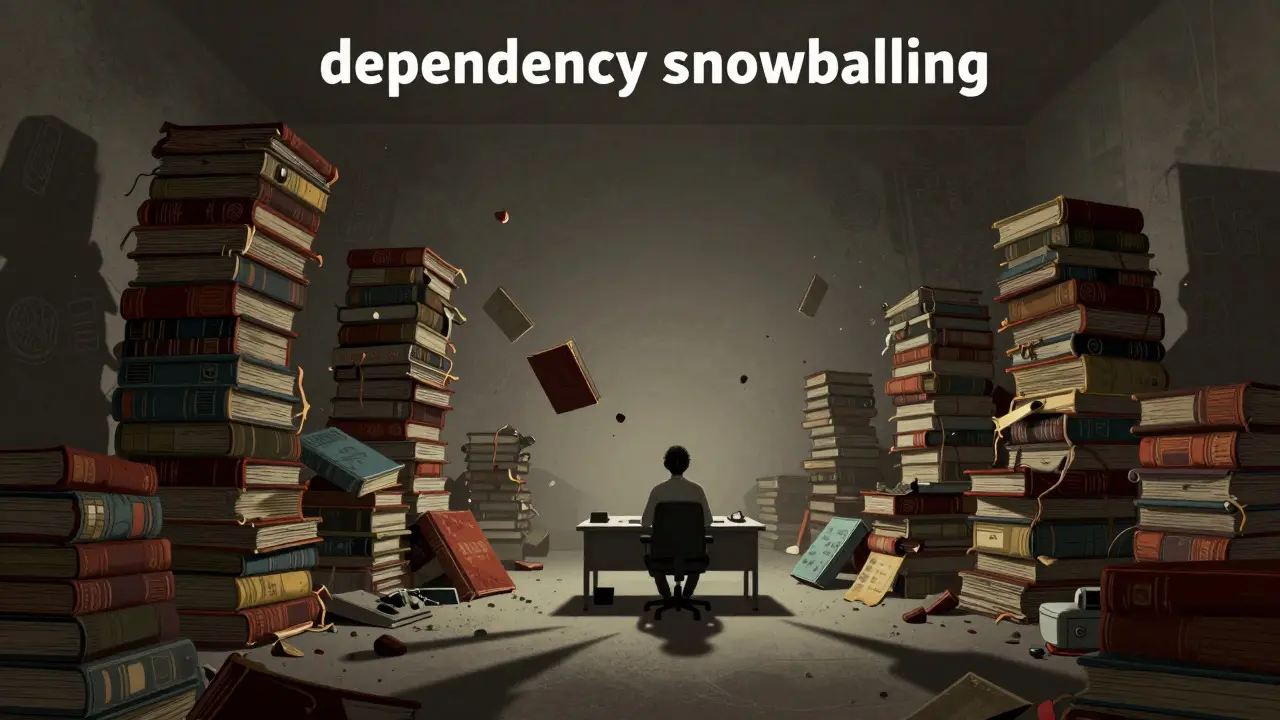
Furthermore, AI tools tend to favor recent or popular versions found in their training sets, which may not align with your project’s long-term stability needs. For instance, an AI might default to the latest beta of a UI framework because it appears frequently in recent tutorials, ignoring known bugs that affect production environments. This leads to a phenomenon known as "dependency snowballing," where fixing one broken package triggers three new errors due to subtle compatibility mismatches between other AI-selected libraries.
| Risk Factor | Traditional Development | Vibe Coding |
|---|---|---|
| Version Selection Awareness | High (developer chooses) | Low (AI selects implicitly) |
| Breakage Rate After Upgrade | 32.4% | 68.7% |
| Traceability of Origin | Clear (manual imports) | Poor (79.6% report difficulty tracing) |
| Time Spent on Dependency Mgmt | 12.7% of dev time | 18.3% of dev time |
Establishing a Source of Truth
To prevent chaos, you must treat your package.json is a JSON file used to manage metadata and dependencies in Node.js projects as the absolute source of truth-not the AI’s suggestion. The first step is strict version pinning. Instead of accepting loose ranges like `^18.2.0` (which allows minor updates), pin exact versions initially, such as `"react": "18.2.0"`. This ensures that when you revisit the code weeks later, the environment remains identical to when it worked.
However, pinning everything forever leads to stagnation and security vulnerabilities. The solution lies in controlled, incremental updates. Frameworks like Wasp is a full-stack framework designed for rapid web application development with centralized configuration offer a compelling model here. By using a central configuration file (`main.wasp`), Wasp enforces consistency across frontend and backend dependencies, reducing conflicts by over 40%. Even if you aren’t using Wasp, you can adopt its philosophy: define your constraints explicitly so both you and the AI understand the boundaries.
Another critical practice is isolating secrets. Never let the AI hardcode API keys into generated files. Always store them in `.env.local` files and ensure this file is listed in your `.gitignore`. This simple habit prevents accidental exposure and keeps your dependency tree cleaner, as environment variables don’t introduce external library dependencies.
The Vertical Slice Methodology
One of the most effective strategies for managing dependencies in AI-generated code is the vertical slice implementation method. Instead of asking the AI to build an entire feature at once-which results in a monolithic block of code with tangled dependencies-you build incrementally from database to UI. Start by defining the data model. Then, create the API endpoint. Finally, generate the frontend component. At each stage, verify that the dependencies required for that slice are stable and documented.
This approach reduces breakage incidents by nearly 60%, according to empirical data from Zencoder.ai. Why? Because you catch incompatibilities early, before they propagate through the entire system. If the AI suggests a database driver that conflicts with your ORM, you’ll spot it during the data model phase, not after spending hours debugging a broken checkout page.
Additionally, use branch-based workflows exclusively for dependency upgrades. Create a dedicated feature branch whenever you plan to update a major package. Run your tests there. If something breaks, you can roll back instantly without affecting your main codebase. Developers who adopt this strategy report 76% fewer merge conflicts and easier recovery processes.
Automated Guardrails and Auditing
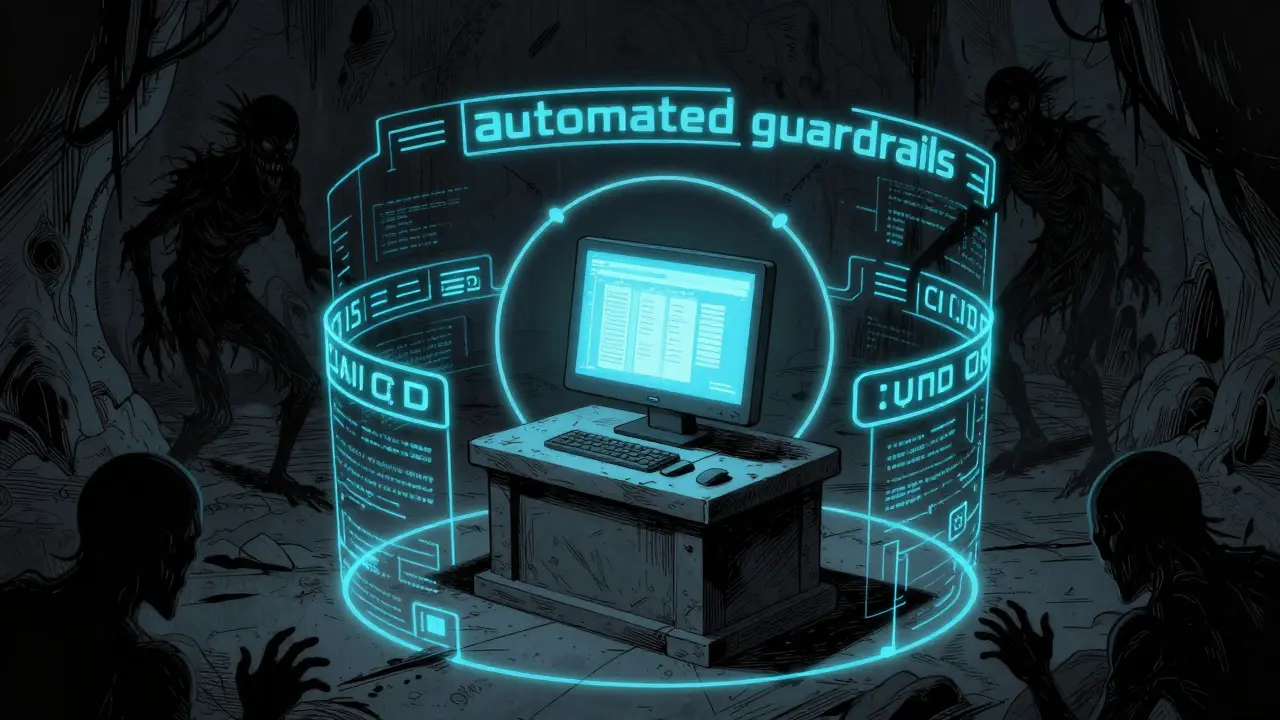
Since manual review of every line of AI-generated code is impractical, automation becomes your best friend. Integrate npm audit is a command-line tool that checks installed packages for known security vulnerabilities into your CI/CD pipeline. Run it after every commit. Many developers use `npm audit fix --force` to automatically patch vulnerabilities, but be cautious: forcing fixes can sometimes introduce breaking changes. Use it judiciously, preferably in isolated branches.
Tools like Snyk and Dependabot have evolved to support vibe coding workflows. They now provide "dependency health scores" that evaluate not just security, but also maintenance activity, community support, and historical stability. Before accepting an AI-suggested package, check its health score. If a library hasn’t been updated in six months or has low star ratings on GitHub, consider alternatives-even if the AI insists it’s standard.
For larger projects exceeding 5,000 lines of code, consider implementing automated compatibility tests. These tests simulate common operations (login, data fetch, form submission) after any dependency change. If the test fails, the upgrade is rejected automatically. This proactive stance saves countless hours of firefighting later.
Future-Proofing Your Workflow
The landscape is shifting rapidly. By late 2026, most leading AI coding assistants will incorporate "dependency impact forecasting," predicting the likelihood of breakage before you even install a new version. Cursor’s MCP (Model Control Protocol) already achieves nearly 90% accuracy in predicting compatibility issues. Stay updated on these features-they’re designed to bridge the gap between speed and stability.
Also, pay attention to emerging regulatory requirements. The EU’s AI Act draft suggests that critical infrastructure applications built with AI assistance may need documentation of dependency selection rationale. Keeping a simple log of why you chose certain versions-especially for security-sensitive libraries-will save you headaches down the road.
Remember, vibe coding is powerful, but it demands discipline. Treat dependencies as first-class citizens in your architecture. Pin versions strategically, audit continuously, and upgrade incrementally. Your future self will thank you when the app still runs smoothly after the next big update.
What is the biggest risk of dependency management in vibe-coded apps?
The biggest risk is implicit dependency selection. AI tools often choose library versions based on training data prevalence rather than project-specific compatibility, leading to high breakage rates (68.7%) during upgrades compared to traditional methods.
How can I prevent AI from introducing incompatible packages?
Use strict version pinning in your package.json, implement automated npm audits in your CI/CD pipeline, and adopt the vertical slice methodology to verify dependencies incrementally rather than all at once.
Should I use caret (^) or tilde (~) notation for versions in vibe coding?
Initially, pin exact versions (e.g., "18.2.0") to ensure stability. Once tested, you can switch to tilde (~) for minor updates, but avoid caret (^) for major libraries until you’ve verified compatibility with your specific AI-generated code structure.
What is the vertical slice methodology?
It’s an incremental development approach where you build features layer by layer-from database schema to API endpoints to UI components-allowing you to validate dependencies at each stage before moving forward, reducing overall breakage risk by nearly 60%.
Are there tools that help predict dependency breakage?
Yes, modern AI assistants like Cursor (with MCP v2.1) and platforms like Snyk offer dependency impact forecasting and health scores that evaluate stability, security, and maintenance activity to predict potential upgrade failures.